Automating Invoice Processing with AI: Higher Speed, Fewer Errors, More Control
Invoice processing costs SMBs an average of 15 to 20 minutes per invoice. With AI-driven automation, you reduce that to seconds. Discover how to implement this, which errors you prevent, and what the concrete ROI looks like.
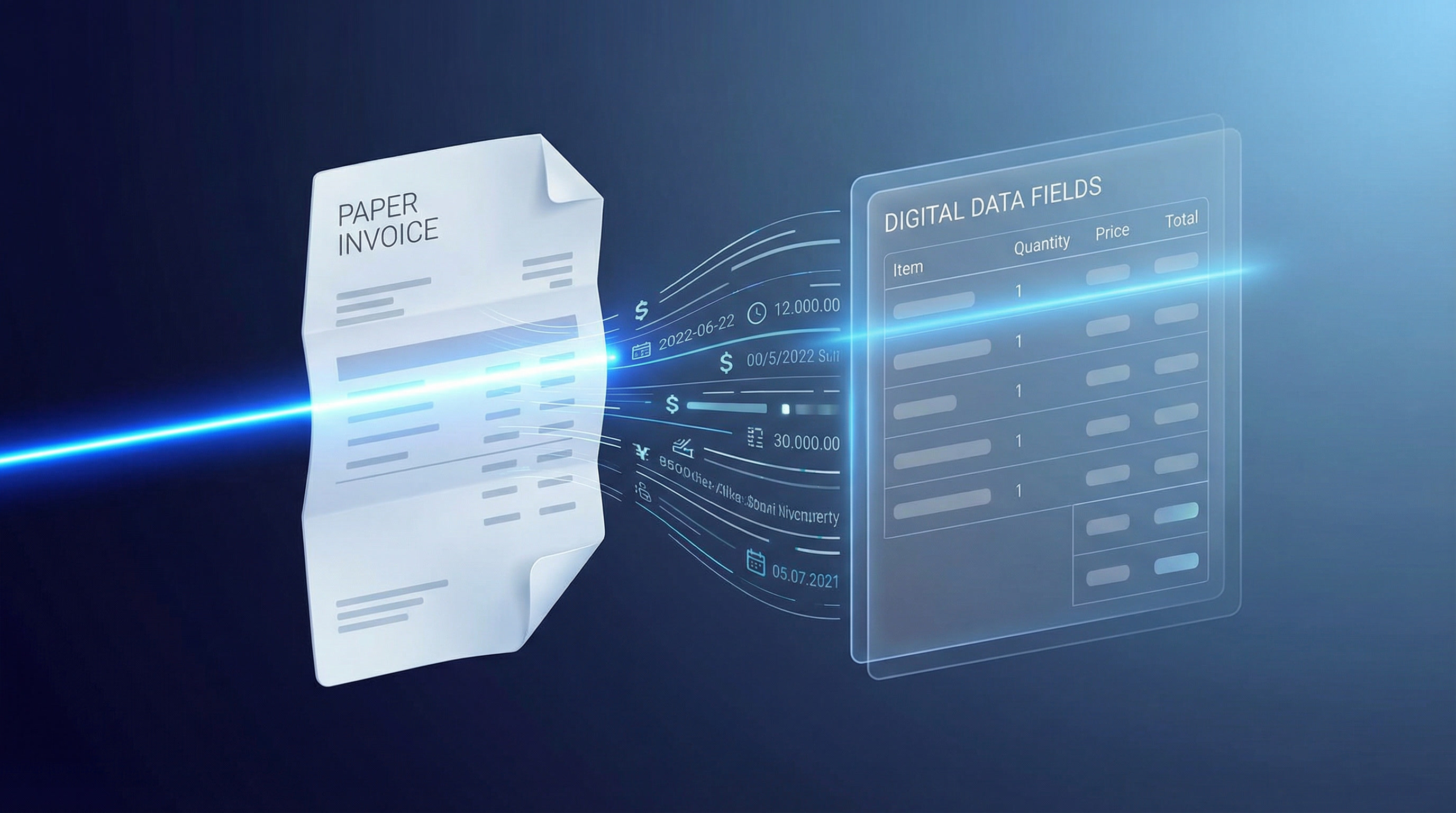
Invoice Processing: An Underestimated Bottleneck in SMBs
Every business owner knows the feeling: a pile of incoming invoices, manually typing data into an accounting system, verifying whether amounts are correct, and then tracking down the right person for approval. This process repeats itself dozens to hundreds of times each month. What appears to be a routine task turns out in practice to be one of the biggest time drains and sources of errors within the financial administration of small and medium-sized businesses.
Research by the Aberdeen Group shows that manually processing a single invoice costs an average of 15 to 20 minutes. Multiply that by one hundred invoices per month, and you quickly lose more than 30 hours in purely administrative work — work that adds no strategic value but does introduce errors, cause payment delays, and strain supplier relationships.
The solution lies in AI-driven invoice automation: a combination of intelligent document recognition, machine learning, and workflow integration that fully or largely automates the entire invoice process — from receipt to payment.
What Does AI-Driven Invoice Processing Actually Involve?
Traditional invoice processing relies on human input: someone opens an email, downloads a PDF, reads the data, and types it into an ERP or accounting system. AI-driven invoice processing replaces and enhances each of these steps through technology.
Intelligent Document Recognition (OCR + NLP)
The foundation of automated invoice processing is Optical Character Recognition (OCR) combined with Natural Language Processing (NLP). Modern AI systems not only recognize text on an invoice but also understand context: they know what an invoice number is, which field contains the VAT amount, and how the payment term should be interpreted — even when invoices from different suppliers have completely different layouts.
Where classic OCR tools still struggle with skewed scans, handwritten notes, or unstructured layouts, modern AI models learn from thousands of invoice formats and continuously improve in accuracy.
Automatic Matching and Validation
After data extraction, the system automatically compares invoice data against existing purchase orders, contracts, and supplier records. This is called three-way matching: the invoice is verified against the purchase order and the goods receipt confirmation. Discrepancies are automatically flagged for human review, while approved invoices flow directly into the approval process.
Smart Approval Workflows
Based on invoice characteristics — amount, supplier, cost category — AI determines which approval route to follow. A 200-euro invoice from a regular supplier is automatically approved. A 15,000-euro invoice from a new party goes to the CFO. All of this without any manual intervention.
Integration with Existing Systems
The power of modern AI solutions lies in their ability to integrate with existing tools such as Exact Online, AFAS, Twinfield, SAP, or Microsoft Dynamics. Invoices are not processed in a separate standalone system but flow directly into the correct general ledger account within the existing accounting package.
The Concrete Benefits for SMBs
The transition from manual to automated invoice processing delivers benefits that go beyond time savings alone. Below are the most impactful results that SMBs achieve in practice.
1. Drastic Time Savings
Where an employee spends 15 to 20 minutes on a single invoice, an AI system processes the same invoice in 5 to 30 seconds. With a volume of 200 invoices per month, this quickly delivers 40 to 60 hours of freed-up working time — per month. Hours that can be redirected toward analysis, supplier relationship management, or strategic tasks.
2. Significant Error Reduction
Human data entry errors — a wrong amount, an incorrect bank account number, a forgotten VAT code — are costly. They lead to incorrect payments, accounting corrections, and sometimes even fiscal risks. AI systems operate at an accuracy rate of 95 to 99 percent, depending on the quality of the input documents and the training level of the model.
3. Faster Payment Cycles and Better Supplier Relationships
Invoices that are processed quickly are also paid faster. This sounds simple, but has significant consequences: suppliers become more loyal, early payment discounts are utilized more often, and the risk of late payment penalties decreases. Some businesses achieve through automation a reduction in processing time from 14 days to less than 48 hours.
4. Improved Visibility and Auditability
Every automated invoice process leaves a complete digital trail: who approved it, when, and based on which data. This makes audits simpler, reduces fraud risks, and gives financial management real-time insight into outstanding liabilities.
5. Scalability Without Additional Headcount
Is the business growing? Then so is the invoice volume. With manual processes, growth automatically means more staff. With AI automation, the system scales along without additional costs. An SMB that goes from 100 to 500 invoices per month does not need an additional FTE for financial administration.
Practical Example: A Wholesaler Automates Its Purchase Invoices
A mid-sized wholesaler in technical products receives approximately 350 purchase invoices per month from over 80 suppliers. Before automation, two administrative employees were fully occupied with entering, checking, and forwarding invoices for approval. Data entry errors led to incorrect payments on average twice per month, with associated correction work.
After implementing an AI invoice processing system connected to the existing ERP package, results became visible quickly:
Processing time per invoice dropped from 18 minutes to an average of 40 seconds
Error rate fell from 6 percent to less than 0.5 percent
The two administrative employees could be redeployed to accounts payable management and supplier analysis
The average payment lead time decreased from 18 to 6 working days
Return on investment period: 7 months
This is not an exceptional result. It reflects what a correctly implemented AI solution can realistically deliver for a typical SMB.
How Do You Begin the Implementation?
The step toward AI-driven invoice processing does not need to be large or risky. A phased approach works best.
Step 1: Map Your Current Process
Start with a process analysis. How many invoices do you receive per month? Through which channels — email, post, supplier portals? Which systems do you use for processing and payment? Where are the delays and errors occurring? This information forms the basis for a targeted automation approach.
Step 2: Define Scope and Priorities
Do not automate everything at once. Start with the invoice type that generates the highest volume or causes the most problems — for example, purchase invoices from regular suppliers. This way you build results quickly and learn the system before rolling it out more broadly.
Step 3: Choose the Right Technology
Various solutions are available, from standalone AI invoice tools to modules within larger ERP packages. Evaluate solutions on: accuracy of document recognition, integration capabilities with existing systems, flexibility of approval workflows, and total cost of ownership (TCO).
Step 4: Pilot and Iterate
Start with a pilot phase of 4 to 8 weeks in which the system runs in parallel with the existing manual process. Measure accuracy, processing time, and user satisfaction. Adjust the system based on findings before fully switching over.
Step 5: Train Your Team and Safeguard Quality
Automation does not replace people — it changes their role. Ensure that employees understand how the system works, how to handle exceptions, and how to perform quality control. Continuous monitoring and periodic audits of the system are essential for long-term success.
ROI Calculation: What Does It Concretely Deliver?
A business case for invoice automation is relatively straightforward to build. Consider the following assumptions for an SMB processing 200 invoices per month:
Current costs: 200 invoices x 18 minutes = 3,600 minutes = 60 hours per month. At an hourly rate of 35 euros, labor costs amount to 2,100 euros per month.
After automation: 200 invoices x 1 minute (including exceptions) = 200 minutes = 3.3 hours per month. Labor costs: 116 euros per month.
Savings: Approximately 1,984 euros per month, or nearly 24,000 euros per year — excluding the value of error reduction and faster payment cycles.
The investment in an AI invoice solution for an SMB typically ranges between 5,000 and 20,000 euros for implementation, depending on complexity and integrations. The payback period therefore ranges from 3 to 12 months — an excellent return for any financial manager.
Common Mistakes in Invoice Automation
To avoid disappointment, it is worth knowing where SMBs most commonly go wrong when implementing AI invoice processing.
Expectations that are too high without good data: AI systems learn from data. If historical invoice data is incomplete or unstructured, it will take longer for the system to operate at full speed.
Insufficient attention to exceptions: Not every invoice is straightforward. Always ensure there is a clear process for invoices the system cannot automatically process.
Lack of employee buy-in: Automation succeeds only when the people working with it understand and trust it. Invest in training and communication.
Poor integration with existing systems: An invoice automation system that does not integrate well with the accounting package creates new silos instead of efficiency.
Conclusion: Invoice Processing as a Strategic Advantage
Invoice processing may not be the most glamorous part of running a business, but it is one of the areas where AI automation has the fastest and most measurable impact. For SMBs that want to grow without proportionally increasing administrative headcount, automating the invoice process is one of the most logical and profitable first steps in a broader digitalization agenda.
The technology is mature, implementation risks are manageable, and ROI is demonstrable. The question is no longer whether you should automate invoice processing — but when you start.
Want to know what AI invoice automation can concretely deliver for your business? Vynexo analyzes your current invoice process and maps out which automation solution best fits your situation, systems, and growth objectives.